

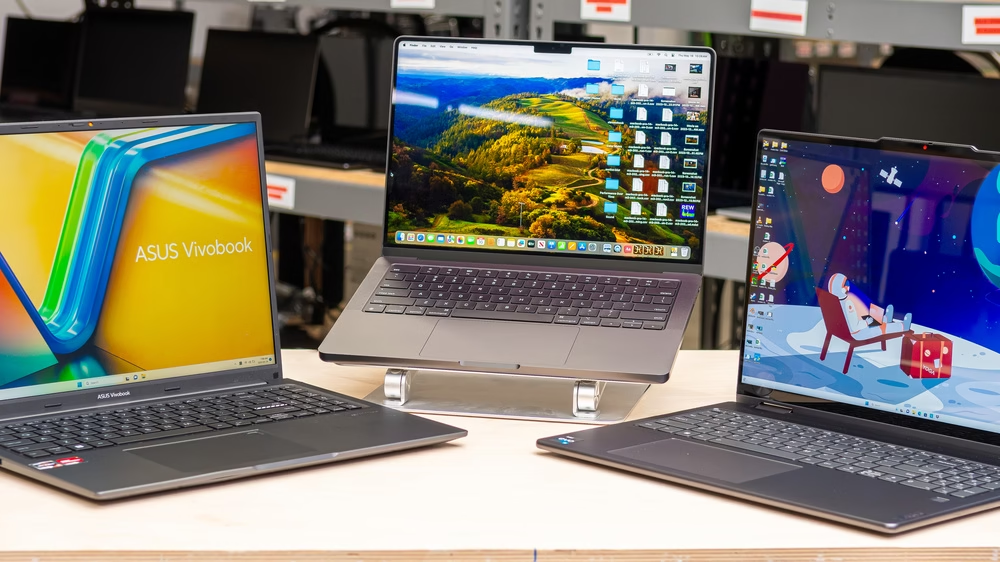
Choosing the right laptop as a student can feel overwhelming. With so many options available, it’s important to find a device that balances performance, durability, and affordability. Whether you need a laptop for online classes, research, assignments, or entertainment, the perfect choice should fit your lifestyle and budget.
What to Look for in a Student Laptop
Before diving into recommendations, here are key factors every student should consider:
- Performance: Look for at least an Intel i5 or AMD Ryzen 5 processor for smooth multitasking.
- Battery Life: Aim for 7–10 hours to get through classes without constant charging.
- Portability: A lightweight design (under 1.5 kg) is ideal for carrying around campus.
- Storage: SSDs (Solid State Drives) are faster and more reliable than traditional HDDs.
- Price: Value matters—students often have limited budgets, so affordable yet powerful options are best.
Top Laptops for Students
1. Apple MacBook Air (M2)
- Why it’s great: Powerful performance, sleek design, excellent battery life.
- Best for: Creative students, design majors, and Apple ecosystem users.
2. Dell XPS 13
- Why it’s great: Premium build, sharp display, and solid performance.
- Best for: Students who need a balance of style and productivity.
3. HP Pavilion 14
- Why it’s great: Affordable, reliable, and portable.
- Best for: General college use—assignments, browsing, and streaming.
4. Lenovo IdeaPad Flex 5 (2-in-1)
- Why it’s great: Convertible design with touchscreen, solid performance for the price.
- Best for: Students who like versatility—note-taking, drawing, and presentations.
5. Acer Aspire 5
- Why it’s great: Budget-friendly, decent specs, and a full-size keyboard.
- Best for: Students on a tight budget who still need reliable performance.
6. Microsoft Surface Laptop Go 3
- Why it’s great: Lightweight, elegant, and optimized for productivity.
- Best for: Students who prefer portability and simple design.
Tips for Choosing the Right Laptop
- Match your laptop to your field of study—engineering and design students may need more powerful devices, while liberal arts students can opt for budget-friendly models.
- Check for student discounts—many brands offer special deals.
- Always look for a warranty and good after-sales service.